 PounceFit
 PT
 EN
Technical content for health and fitness professionals. It reproduces formulas and protocols published in the scientific literature, with the sources at the end of the page. It is not a recommendation and does not replace the judgment of the professional who runs the assessment.
ICOMON is a Chinese manufacturer of bioimpedance scales that makes devices for many brands, which sell them under their own name; the official app for these scales is Fitdays. PounceFit reads, on the computer, the scales of this family that use the Bluetooth protocol icomon version 107: weight, impedance and, on 8-electrode models, the body segments go straight into the client's assessment. The other variants in the family are not read yet, and the table below shows each one; if yours is one of them, add it right in the app during the free trial.
Which ICOMON scales work on a computer
ICOMON scales talk over the same Bluetooth service (0xFFB0), but there are protocol variants that do not understand each other. The list comes from our testing and from the openScale code, a free scale app that documents each variant (openScale, 2026).
| Scale | Bluetooth name | Protocol | In PounceFit |
|---|---|---|---|
| ICOMON FI2001LB (8 electrodes; also sold as FI2001B-E) | MY_SCALE | icomon v107 | Recognized |
| Relaxmedic (Fitdays app) | Relaxmedic | icomon v107 | Same protocol |
| Runstar R6, Hoffen HO-36 (ICOMON FG2210LB), Fitdays FG2202WB | runstar-r6, Hoffen, MY_SCALE | 0xFFB0 variant without fragments | Not read today |
| Robi S9 | (varies) | Lefu variant of 0xFFB0 | Not read today |
| Taylor 5331891 BIA, ALPHA Smart Scale PRO 3, Urikar Aero I | 5331891 BIA Scale, MY_SCALE, Aero I | "AC 27" variant | Not read today |
| Dr. Trust SSW532 (ICOMON FG2211WB) | SSW532 | 8-channel variant | Not read today |
Two notes:
- The name is misleading. "MY_SCALE" shows up on scales of different variants. That is why PounceFit only confirms the scale after reading its first message; if it is another variant, it warns you instead of showing a wrong number.
What PounceFit reads from the scale
- Weight, live on screen while the client is on the scale.
- Impedance, in ohms, which the app stores with the assessment.
- Segments (on 8-electrode models, with handles for the hands): left arm, right arm, left leg, right leg and trunk.
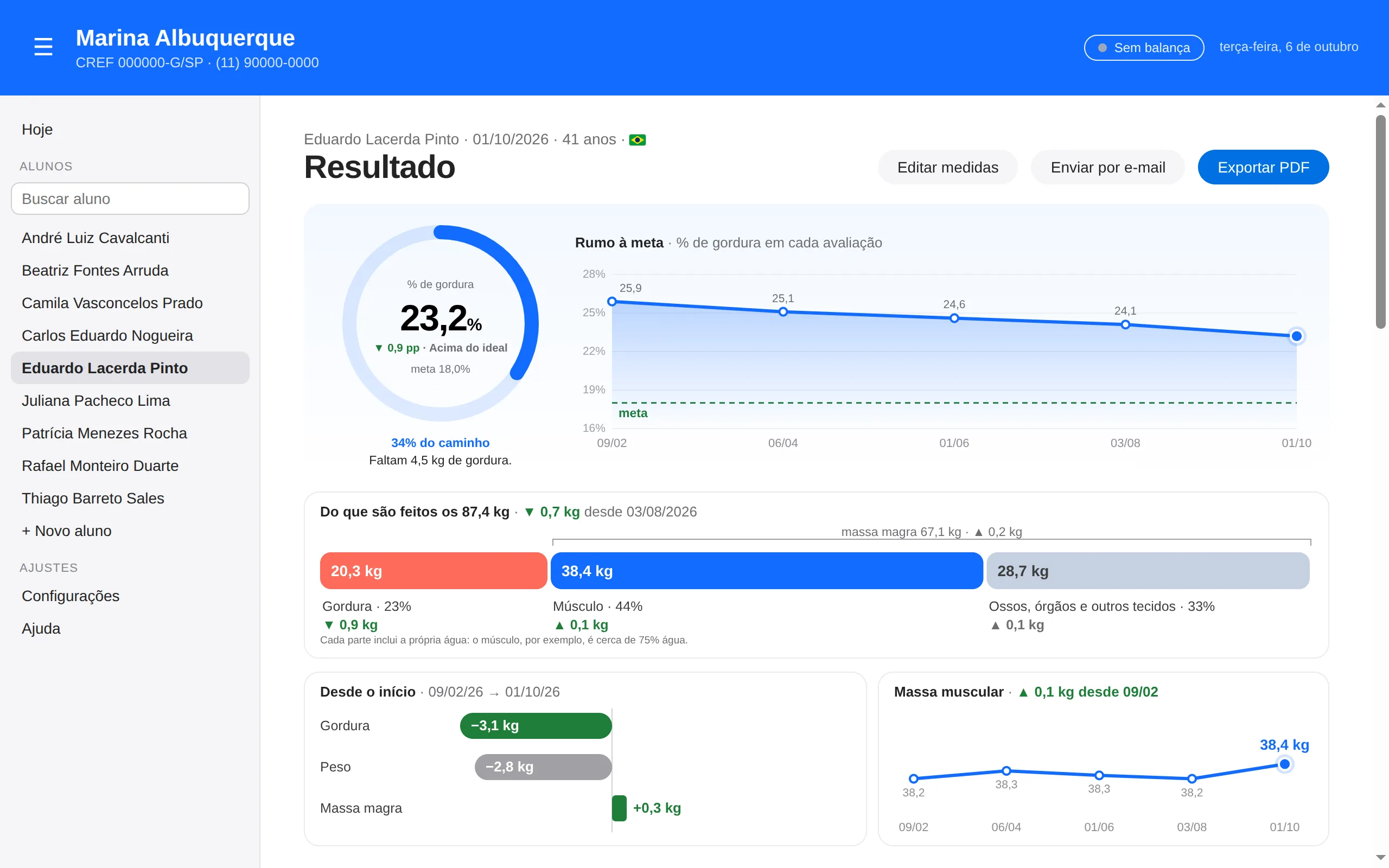
Composition is calculated with the client data already on file (sex, age and height). In Settings, you choose the formula: the scale manufacturer's, which is the default, or published scientific equations, which the app flags as made for another type of device.
What the Fitdays app delivers and what is missing for an assessor
Fitdays is made for personal or family use: each person has a profile, sees their own numbers and the weight chart. For someone who assesses clients, three things are missing:
- A history per client on your computer, with all assessments and the comparison between them.
- The PDF report with your name, logo and professional registration, ready to send or print.
- The complete assessment in one place: scale, circumferences, blood pressure, strength, lab tests and photos in the same record.
How to use the Fitdays scale on a computer
- Install PounceFit on the computer (Windows, macOS or Linux) from the download page. The computer needs Bluetooth.
- In Settings → Scale, click "Register scale" and then "Search for scale".
- Step on the scale to wake it up. After this registration, the app finds it on its own.
- Open the client's assessment and ask them to step on the scale, with feet on the plates and, if there are any, hands on the handles. The weight shows live, and the measurement goes into the open assessment.
- For a quick weigh-in outside an assessment, use "Weigh now" on the client record.
Limits
- Composition numbers are estimates. The scale measures impedance; fat, muscle and water come from an equation. In a study of 15 devices, all repeated their own measurement well, but the error against the reference method varied widely from device to device (Siedler et al., 2023). See are bioimpedance scales accurate?.
- Standardize the measurement. Food, drink, exercise and hydration change impedance; ESPEN recommends measuring under the same conditions and at the same time of day (Kyle et al., 2004, part II). See bioimpedance test preparation.
- Same method, same device. To track a client, always use the same scale. The app does not mix a scale with skinfolds or with another scale. Read bioimpedance vs skinfolds.
See all brands on the compatible scales page. PounceFit has a 14-day free trial, no card required; the prices are on the pricing page.
Frequently asked questions
My scale uses the Fitdays app. Does it work with PounceFit?
It depends on the Bluetooth protocol version, not on the brand or the app. PounceFit reads the icomon protocol version 107, used by the ICOMON FI2001LB and the Relaxmedic. Other scales that use the Fitdays app use different variants: if yours does not connect, add it right in the app during the free trial.
How do I know which protocol my scale uses?
You cannot tell from the box or the name. Install the free trial, go to Settings → Scale → Register scale and step on the scale: if it is version 107, the weight shows up live. If not, the app tells you it is another variant.
My scale is sold under another name in Brazil. Does that change anything?
No. ICOMON makes scales for many brands, which sell them under their own name and model. What PounceFit needs is the protocol, and it shows up at the first weigh-in.
Do I need the Fitdays app on my phone to use it with PounceFit?
No. PounceFit talks to the scale directly over the computer's Bluetooth. You only need to register it once in Settings → Scale.
My scale is not read. What do I do?
In the free trial and on any plan, use "My scale is not on the list", under Settings → Scale: it records what the scale sends over Bluetooth while you weigh yourself, and we analyze it to add the variant.
Sources
- openScale. RelaxmedicHandler.kt (icomon protocol version 107). https://github.com/oliexdev/openScale/blob/master/android_app/app/src/main/java/com/health/openscale/core/bluetooth/scales/RelaxmedicHandler.kt. Accessed 27 Oct 2026.
- openScale. RunstarR6Handler.kt, RobiS9Handler.kt, TaylorBIAHandler.kt and DrTrustSSW532Handler.kt (other variants of the 0xFFB0 service). https://github.com/oliexdev/openScale/tree/master/android_app/app/src/main/java/com/health/openscale/core/bluetooth/scales. Accessed 27 Oct 2026.
- Welland/ICOMON. FI2001ULB-E Smart Body Fat Scale (manufacturer page). https://www.welland.hk/products_details/78.html. Accessed 27 Oct 2026.
- Siedler MR, Rodriguez C, Stratton MT, Harty PS, Keith DS, Green JJ, et al. Assessing the reliability and cross-sectional and longitudinal validity of fifteen bioelectrical impedance analysis devices. British Journal of Nutrition. 2023;130(5):827-840. doi:10.1017/S0007114522003749
- Kyle UG, Bosaeus I, De Lorenzo AD, Deurenberg P, Elia M, Gómez JM, et al. Bioelectrical impedance analysis, part II: utilization in clinical practice. Clinical Nutrition. 2004;23(6):1430-1453. doi:10.1016/j.clnu.2004.09.012